
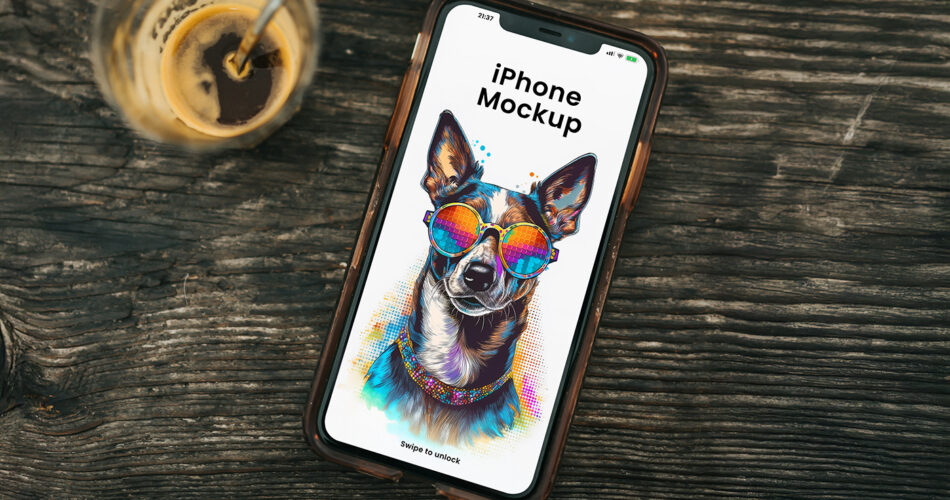
An iPhone mockup is one of the most effective ways to present mobile app designs, UI concepts, and website previews in a realistic environment. This free iPhone on wood mockup PSD features a clean wooden surface background that adds warmth and authenticity to your presentation.
The natural wood texture creates a professional and lifestyle-oriented scene, making this mockup ideal for showcasing app screens, mobile interfaces, and responsive web designs. Whether you’re preparing visuals for a client pitch, an app store preview, or a design portfolio, this mockup delivers a polished and realistic result.
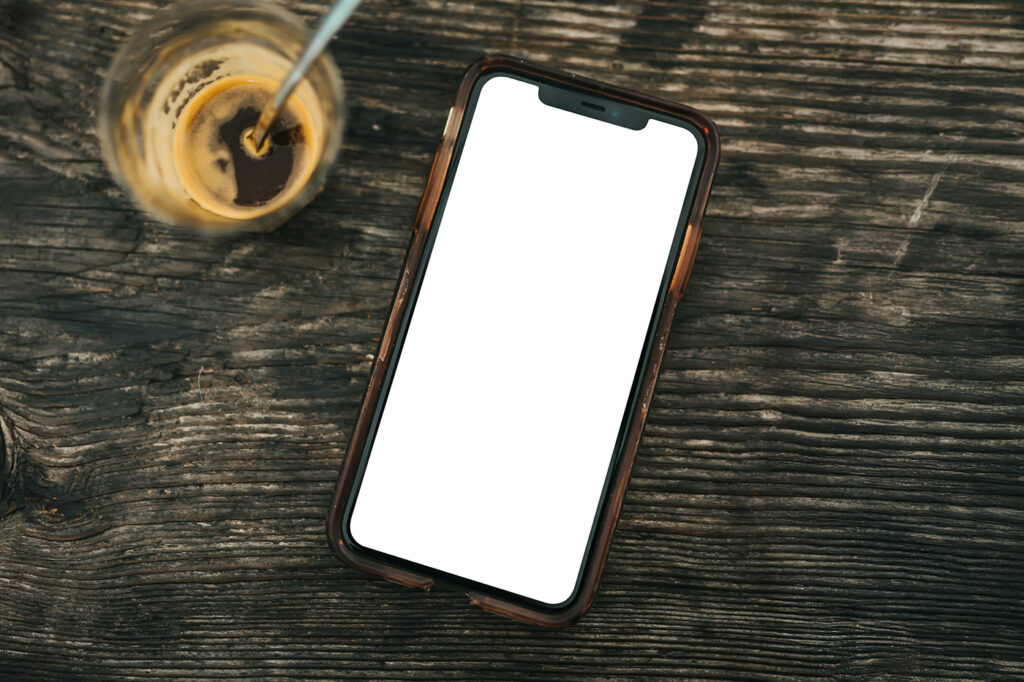
The PSD is built with smart object layers, allowing you to insert your screen design quickly and export high-resolution images with minimal effort.
Best For
This iPhone mockup is ideal for:
- Mobile app UI and UX presentations
- App Store and Google Play preview visuals
- Website and responsive design previews
- Client presentations and pitch decks
- Designer portfolios and case studies
The wood background adds a natural, lifestyle feel that works well for both modern and minimalist designs.
Why Use an iPhone Mockup?
Using a realistic iPhone mockup helps designers and product teams:
- Present mobile designs in a real-world context
- Test layout, typography, and color contrast
- Create professional visuals without photographing real devices
- Communicate app concepts clearly to clients or stakeholders
Mockups speed up approval cycles and make design ideas easier to understand.
iPhone Mockup PSD Details
- File Format: Layered PSD with smart objects
- File Size: Approx. 20–40 MB
- Zip Includes: 1 Photoshop PSD file
- License: Free for personal and commercial use
- Software Required: Adobe Photoshop
The mockup is high-resolution and features realistic lighting and natural shadows for clean presentations.
How to Use This iPhone Mockup
- Open the PSD file in Adobe Photoshop
- Locate the smart object layer in the Layers panel
- Double-click the smart object and place your screen design
- Save the smart object to apply your changes
- Export the final image for web, app previews, or presentations
For best results, use high-resolution screenshots of your app or website.
What’s Included in the PSD File
- Editable smart object layer for the iPhone screen
- High-resolution canvas
- Realistic wood background texture
- Organized layer structure for easy editing
This setup makes the mockup suitable for both beginners and experienced designers.
Who Should Use This Mockup?
This mockup is perfect for:
- UI and UX designers
- Mobile app developers
- Product designers and agencies
- Freelancers creating portfolio visuals
If you regularly present iPhone app designs or mobile interfaces, this mockup is a valuable resource.
Download Free iPhone Mockup PSD
You can download this free iPhone mockup PSD from the original creator using the link below. All credits go to the designer Mockupbee who created this resource.
